iOS 27 and Google Cast: soon, the iPhone will cast to (almost) any TV
Good news for iPhone owners: iOS 27 is expected to finally let you cast directly to a Google Cast device (Chromecast, compatible TV) without any third-party app. Here's the rundown.
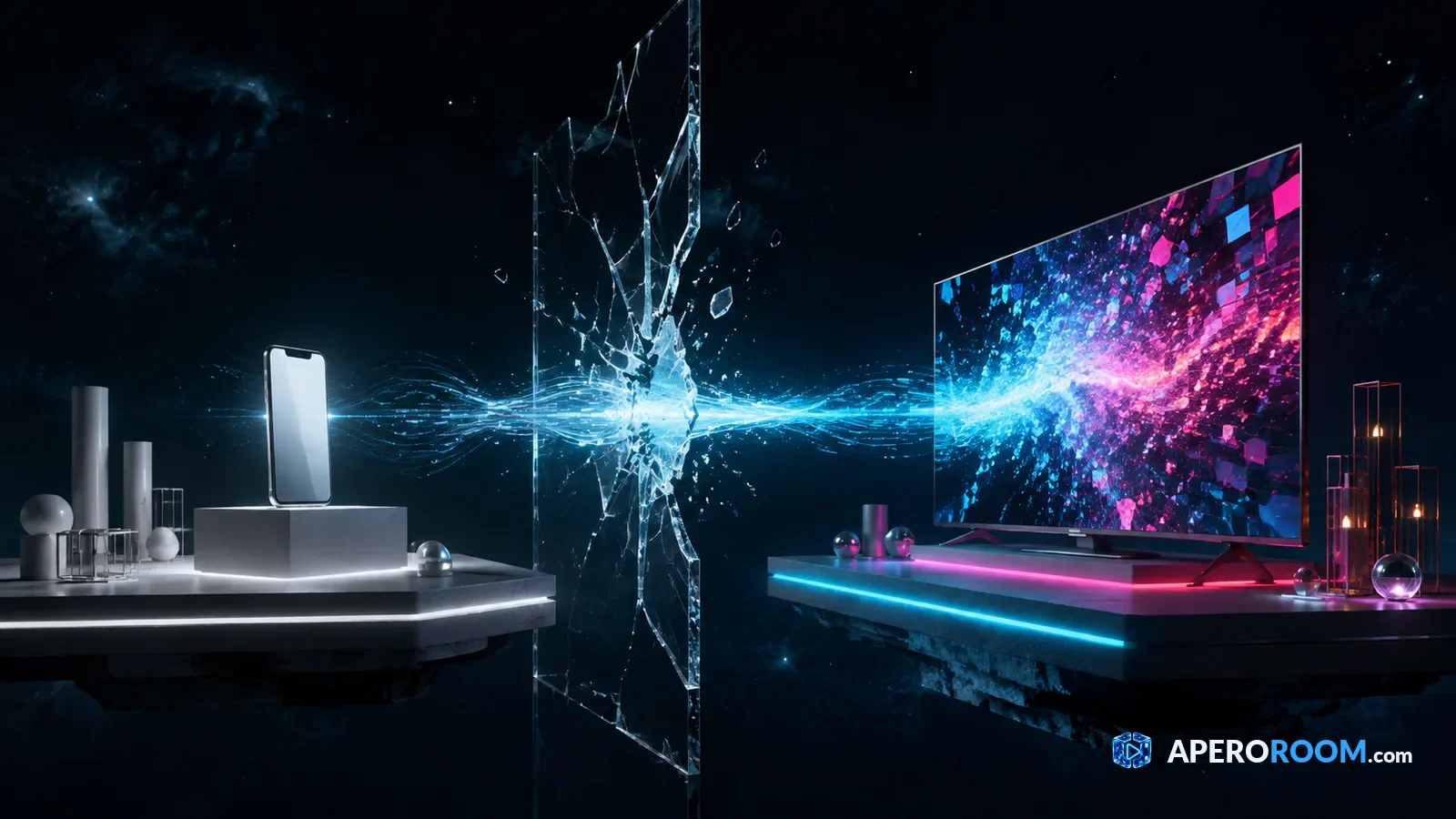
Until now, the iPhone and Google's Chromecast didn't get along. To push a video to their TV, Apple users had to rely on AirPlay (so an Apple TV or an AirPlay-compatible set) or install a sometimes-flaky third-party app. That may soon be a thing of the past: according to reports from several specialist outlets, iOS 27 is expected to bring native Google Cast support, right inside iOS settings.
What iOS 27 changes
In practice, Google Cast would become a casting protocol recognised by iOS on the same footing as AirPlay. You'd tap the cast button in any app, and the iPhone would list the Google Cast devices available on the network — Chromecast, but also the many TVs and boxes that embed the technology. All of it without installing a third-party app.
That's a major shift: Chromecast is one of the most widespread ways to put content on a big screen, and on iPhone it was, until now, limited to workarounds.
Which iPhones are supported?
Based on the available details, the feature would roll out in Europe and be supported from the iPhone 11 Pro and Pro Max upward, plus newer models. Older devices wouldn't get this native integration — but that already covers a very large share of iPhones in use.
How it will work
The experience would be as simple as AirPlay is today:
- open an app that plays a video;
- tap the cast icon;
- the iPhone lists the Google Cast devices on your Wi-Fi;
- pick your TV, and the picture appears on the big screen.
No more middleman app, no more fiddling: casting would become a system feature — smooth and instant.
Why now?
This opening fits a European regulatory context that pushes big platforms to interconnect better. The upshot: Apple's ecosystem, long closed around AirPlay, would open up to a very popular rival technology. For users, that's excellent news: fewer barriers between phone and TV, whatever the brand.
What it unlocks: the big screen from an iPhone
Beyond simply playing videos, this integration is a game changer for anything you watch together: movie nights, watch parties, karaoke, or a video happy hour. Where Android users could already send content to the living-room TV, the iPhone would finally join the party.
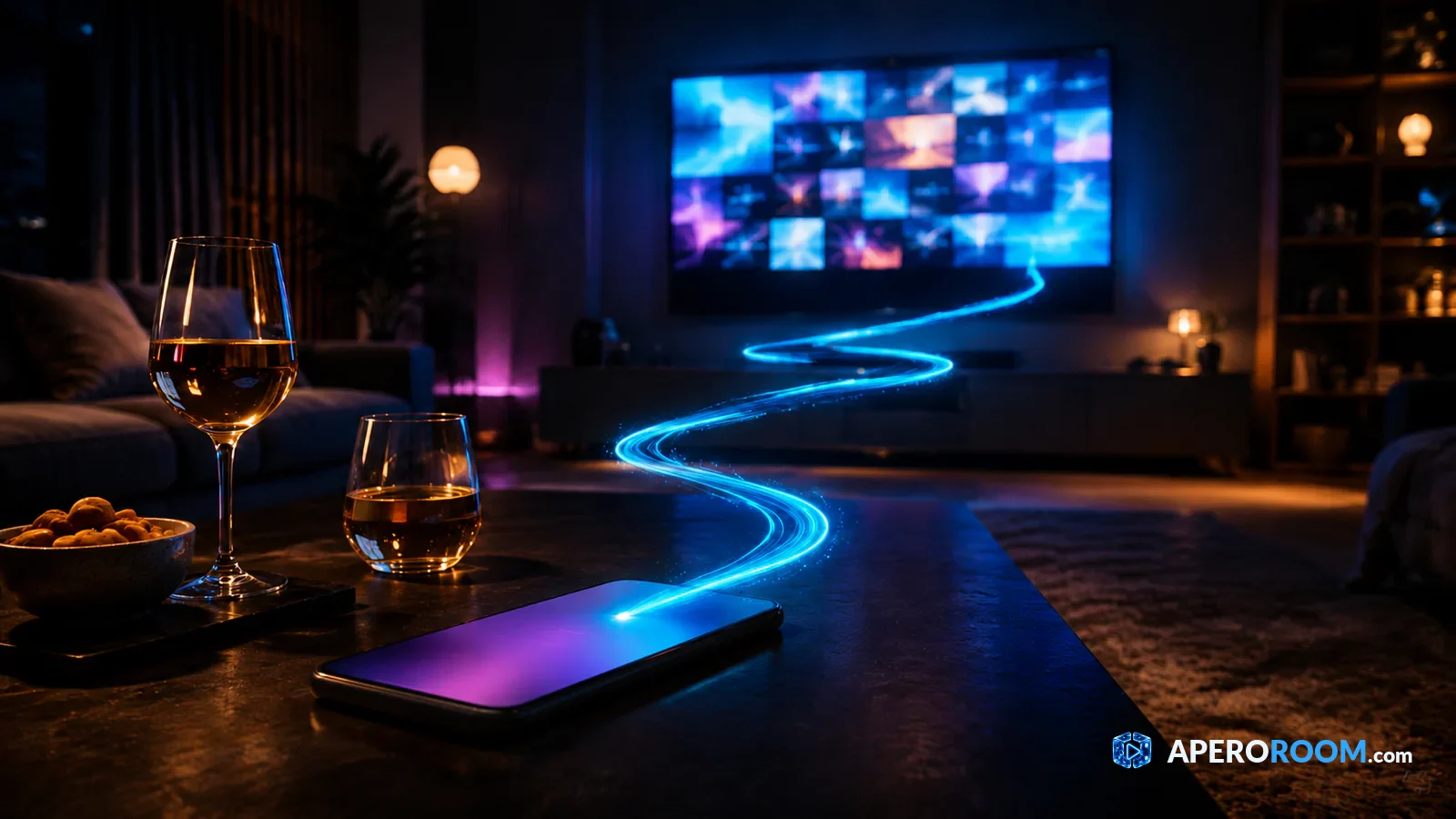
AperoRoom: your live party on the TV, finally possible from an iPhone
AperoRoom is a live video jukebox: with friends, everyone proposes their YouTube clips, a random draw picks the next song, and everyone watches at the same time. The player is built to run on a big screen — the living-room TV — while everyone controls it from their phone.
On Android and on computers, sending the player to the TV was already easy. On iPhone, it was the missing link. With the native Google Cast support expected in iOS 27, an iPhone owner could finally cast their live party to the TV in one tap, then use their phone as a remote. Our Watch on TV page already covers the different ways to show the live on a big screen.
When?
iOS 27 should follow the usual schedule for major iOS releases. While we wait for the rollout, nothing stops you from trying AperoRoom today on a computer or a compatible TV — and keeping an eye on a feature that will make life easier for millions of users.
Bottom line: if the reports hold up, iOS 27 will tear down one of the last barriers between the iPhone and the big screen. And for anything you share with friends — starting with a good live party — that's exactly what we were waiting for.
Ready to watch together?
Open a room, share the link, and start the first video. Everyone suggests, chance decides, and you all watch at the same time. Free to get started.