Event entertainment: let the audience programme the screen
At every event, one person ends up managing the music instead of enjoying it. Letting the audience take over the screen solves that.
Birthday, leaving do, club night, street party, offsite: the same problem comes back every time. There's a screen, a speaker, and one person who ends up spending the evening managing the music instead of enjoying it.
Letting the audience take over the screen solves that — and turns background noise into a collective activity.
The idea: the audience programmes the screen
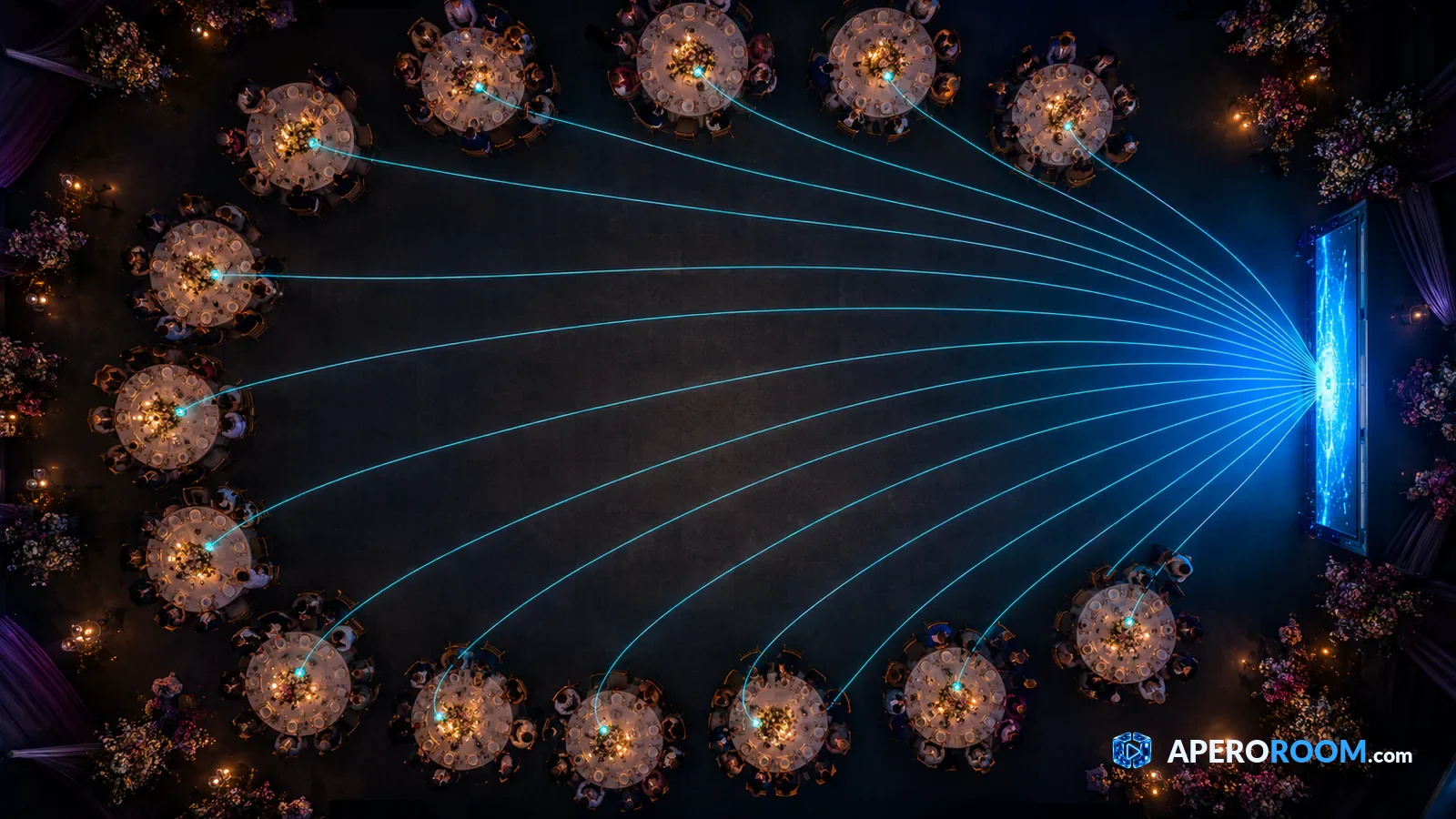
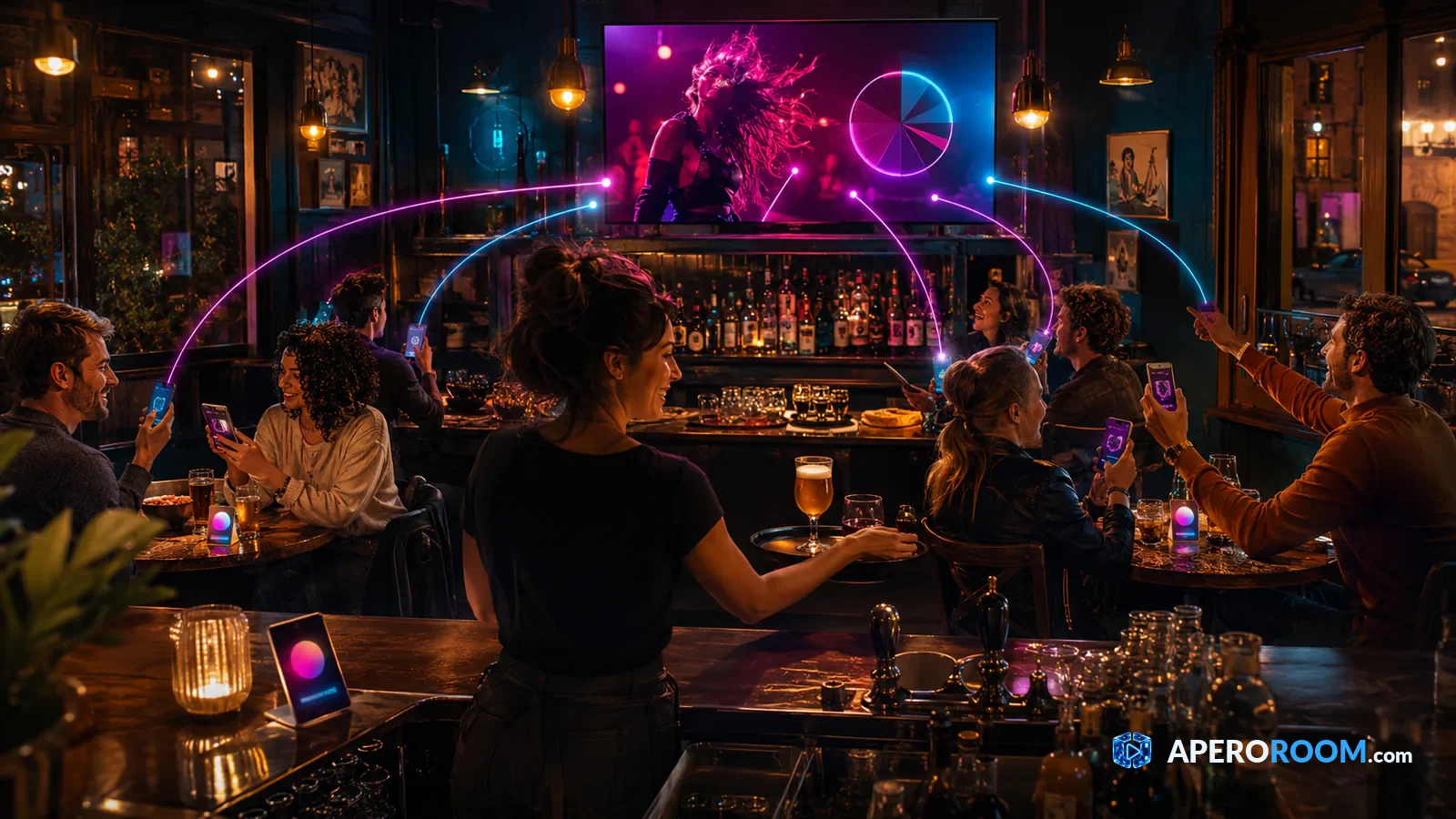
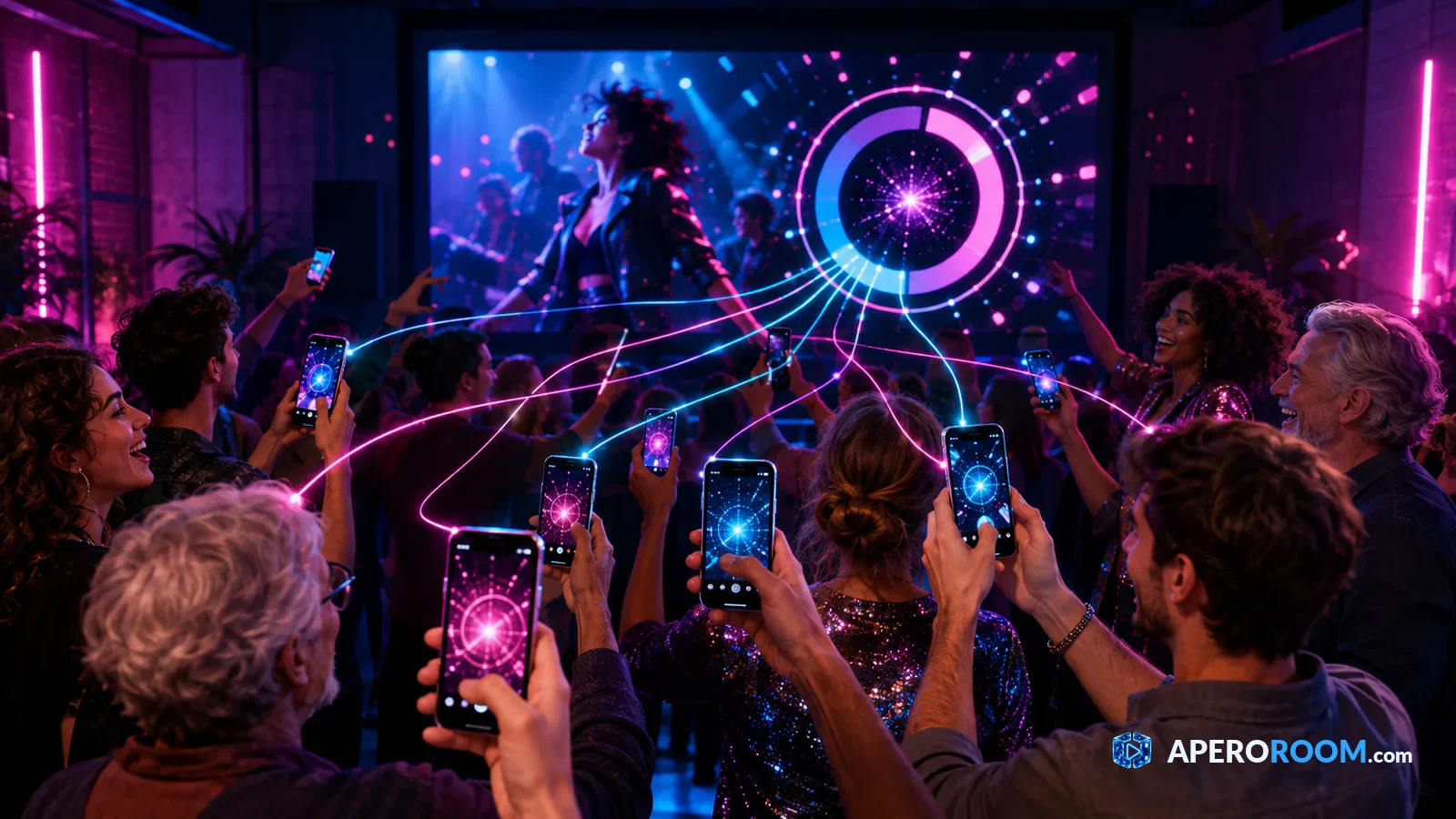
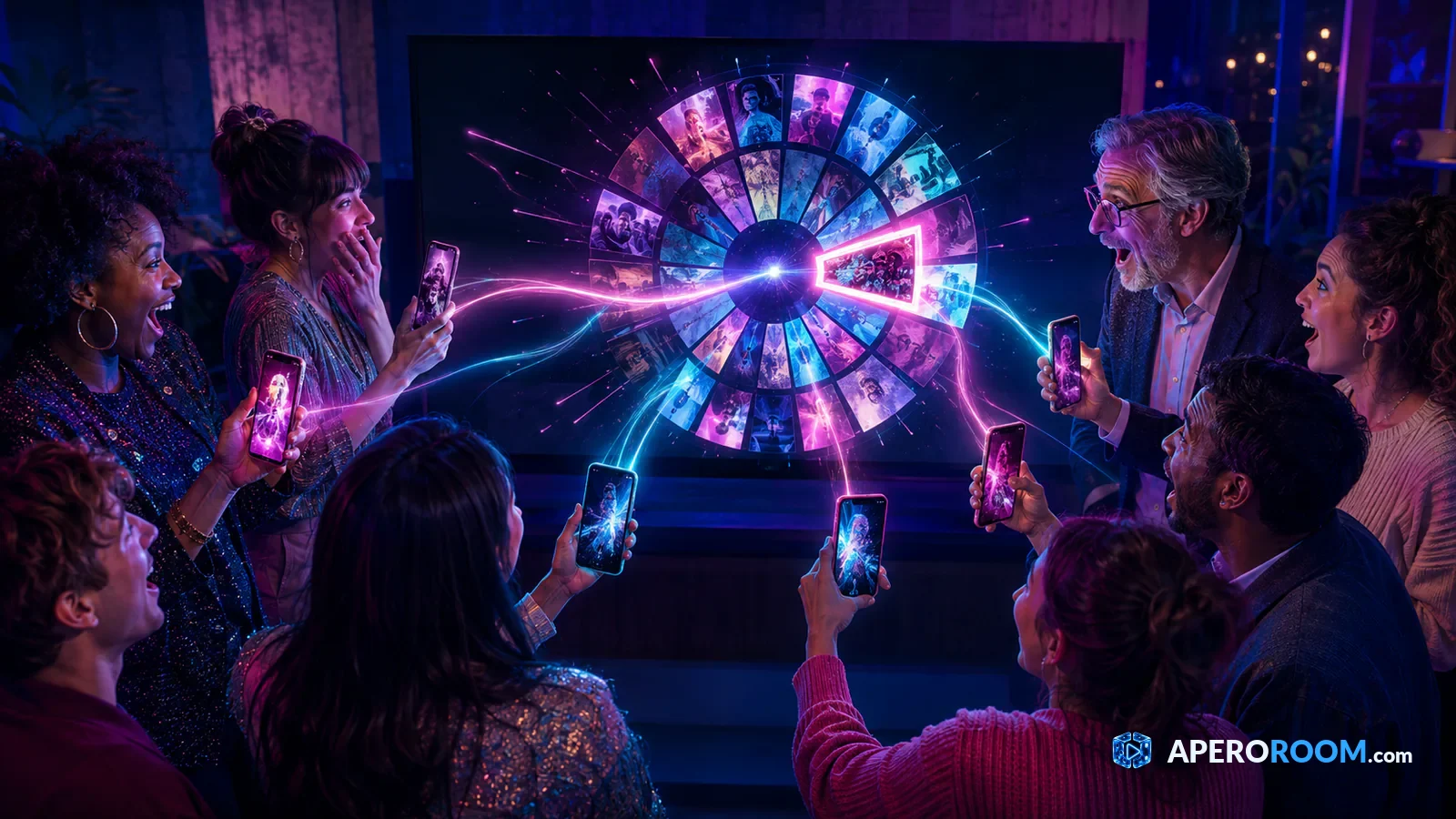
You display a QR code, and each guest suggests a video from their phone. A random draw picks the next one, and it plays on the shared screen. Nobody installs anything, and the organiser keeps control over what goes out.
For an event, the main benefit isn't the music: it's that guests become participants instead of sitting through a programme.
Where it works best
The birthday
Everyone suggests a track connected to the person being celebrated. It builds a collective portrait — and usually reveals a few things about their teenage taste.
The leaving do or company party
The random draw puts everyone on equal footing: the intern suggests as much as the director, and nobody knows who picked what until the video plays. It's the most effective format for loosening up a group that barely knows each other.
The street party or club night
An outdoor screen, a QR on the tables, and the locals make the programme. No host to pay, and the content actually looks like the people in the room.
Outdoors: three things to check
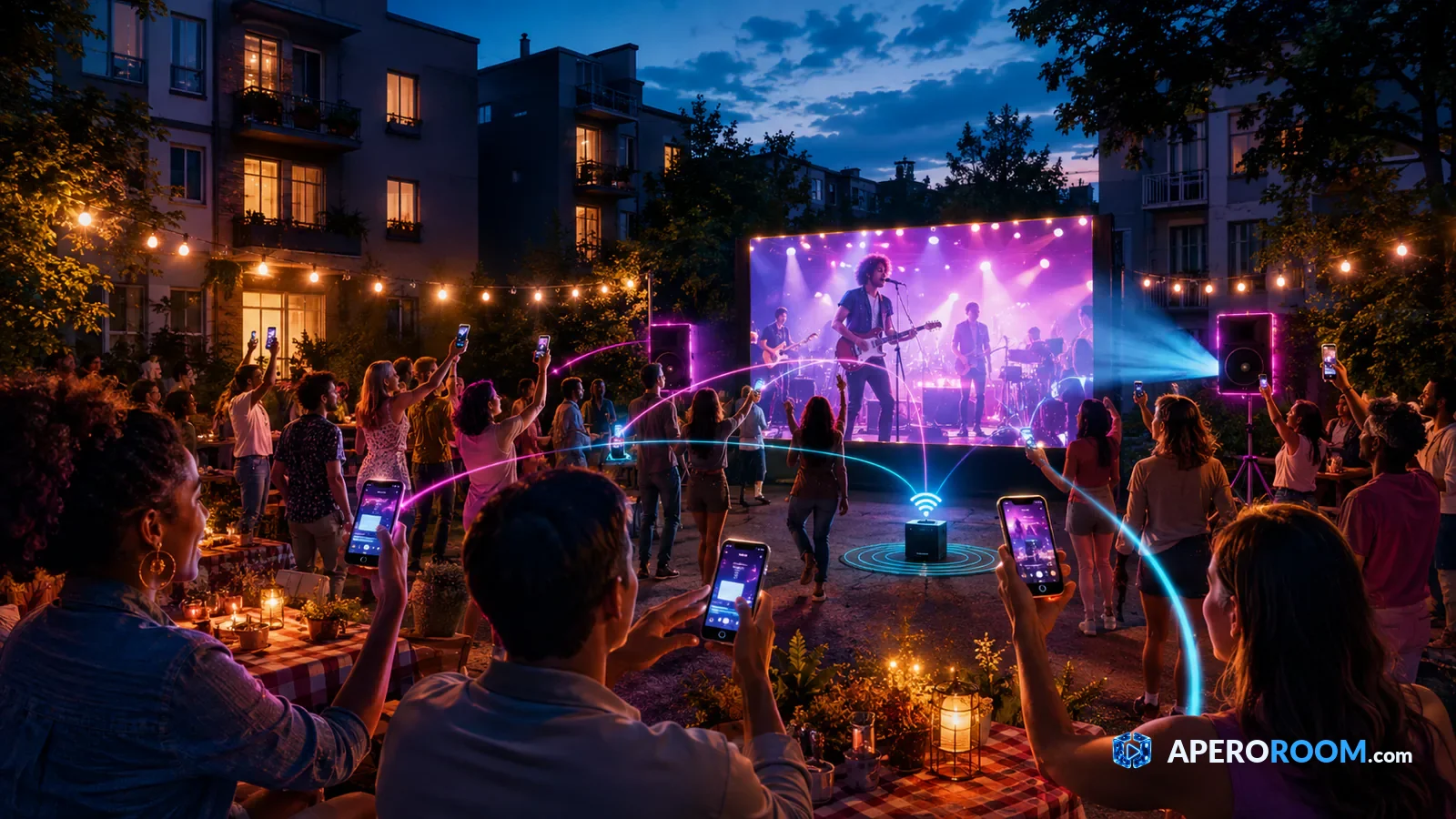
- Signal — the number one factor. In a field or a closed courtyard, test the mobile coverage before betting everything on it.
- Brightness — a projector is only readable once the light drops. Before that, use a TV screen or drop the image.
- The neighbours — sound travels much further outdoors than you'd think. Set the volume before the crowd arrives, not during.
Staying in control without playing policeman
The organiser can remove a suggestion, skip a video, mute someone or remove them. Useful to know, rarely needed: since everything plays on a screen everyone can see, self-regulation does most of the work.
One tip that holds for every event: announce from the start that moderation exists. That alone removes the temptation, without ever having to use it.
How many people?
From ten to several hundred. The bigger the group, the more the random draw earns its place: past twenty people, picking by hand guarantees half the suggestions never play — and half the audience checks out.
Ten minutes of setup
Create the room, display the QR, play one crowd-pleasing video to get things going, and let the draw do the rest. Just have someone keep an eye on the screen — not to host, only to be there if needed.
How it works in detail is covered in collaborative jukebox, and more game formats in online party games. To try it: start your apéro.
Ready to watch together?
Open a room, share the link, and start the first video. Everyone suggests, chance decides, and you all watch at the same time. Free to get started.